
Background Image:
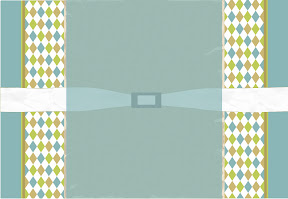
* Want this as your blog background? Look on my side bar under How To Install a Background... for instructions to install. Use the following HTML code:
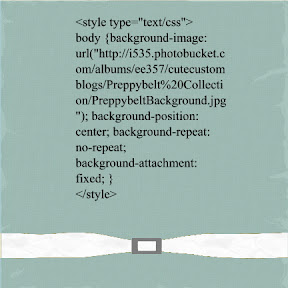
Title Image (Header):

*Want this as the background on your header? This one is a little different. To use this image as your Title image:
Click Here
Once there save the image to your computer. Once saved on your computer look on my side bar under How to Install a Title image (Header) for more instruction to install.
Side Bar Image:

*Want this cutie as an accessories on your blog? Look on my side bar under How To Install a background... for instruction to install. Use the following HTML code:
Click Here for HTML
Bottom Title Image (Footer):
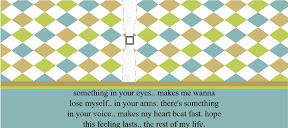
*Want to leave a great last impression with this footer? Look on my side bar under How To Install a background... for instruction to install. Use the following HTML code:
Click Here for HTML


 1. Sign in to Blogger (with the account you want to change.) This will take you to your Dashboard.


2 comments:
I love this! I just can't figure out how to use it... lol I decided to make my own blog and apparently I am blog challenged! I can't figure out how to get the background image to work... I followed the instructions but then how do you use the HTML code? Cuz it's a picture and so I can't copy and paste it... let me know if I'm just challenged lol
Loves,
Holly!
Wait... I think I figured it out...
Post a Comment