
First Set:
SimplyGreen
Background Image:
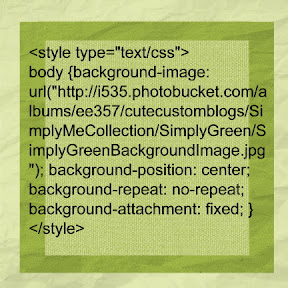
* Want this simply green image as your blog background? Look on my side bar under How To Install a Background... for instructions to install. Use the following HTML code:
Title Image:
*Use this green image as the background for you title. This one is a little different. To use this image as your Title Image:
Click Here to Save Image
Save the image to your computer. Once saved on your computer look on my side bar under How to Install a Title image (Header) for more instruction to install.
Side Bar Image:
*Want this green image too? Look on my side bar under How To Install a background... for instruction to install. Use the following HTML code:
Click Here for HTML Code
Bottom Title Image:

*Complete your green package with this image. Look on my side bar under How To Install a background... for instruction to install. Use the following HTML code:
Click Here for HTML Code
Second Set:
Simply Purple
Background Image:
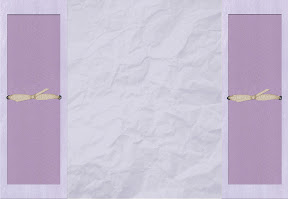
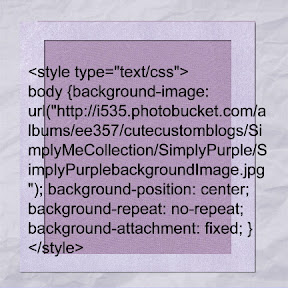
* Want this purple image as your blog background? Look on my side bar under How To Install a Background... for instructions to install. Use the following HTML code:
Title Image:
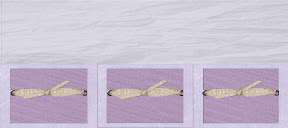
*Use this purple image as the background for you title. This one is a little different. To use this image as your Title Image:
Click Here to Save Image
Save the image to your computer. Once saved on your computer look on my side bar under How to Install a Title image (Header) for more instruction to install.
Side Bar Image:
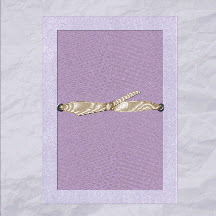
*Want this purple image as well? Look on my side bar under How To Install a background... for instruction to install. Use the following HTML code:
Click Here for HTML Code
Bottom Title Image:
*Complete the purple package with this image. Look on my side bar under How To Install a background... for instruction to install. Use the following HTML code:
Click Here for HTML Code
Third Set:
Simply Orange
Background Image:
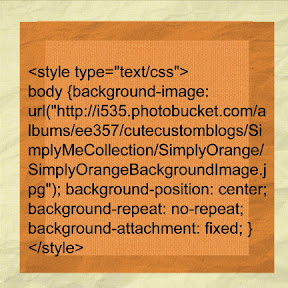
* Want this orange image as your blog background? Look on my side bar under How To Install a Background... for instructions to install. Use the following HTML code:
Title Image:
*Use this orange image as the background for you title. This one is a little different. To use this image as your Title Image:
Click Here to Save Image
Save the image to your computer. Once saved on your computer look on my side bar under How to Install a Title image (Header) for more instruction to install.
Side Bar Image:
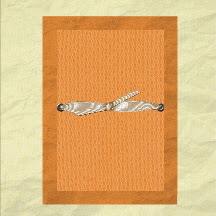
*Want this orange image as well? Look on my side bar under How To Install a background... for instruction to install. Use the following HTML code:
Click Here for HTML Code
Bottom Title Image:
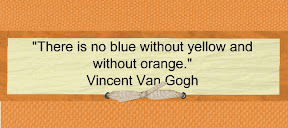
*Complete the orange package with this image. Look on my side bar under How To Install a background... for instruction to install. Use the following HTML code:
Click Here for HTML Code


 1. Sign in to Blogger (with the account you want to change.) This will take you to your Dashboard.






No comments:
Post a Comment