
Background Image:
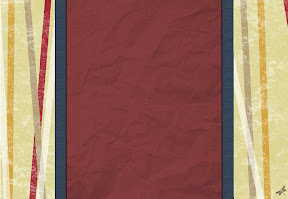
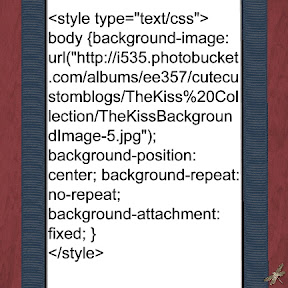
*I loved the beautiful colors and shapes of this painting so I mimicked them with this background. Look on my side bar under How To Install a Background... for instructions to install. Use the following HTML code:
Title Image:
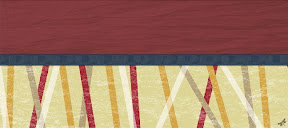
* To use this matching image as your Title Image you need to save it to your computer:
Click Here to Save Image
Once saved on your computer look on my side bar under How to Install a Title image (Header) for more instruction to install.
Side Bar Image:
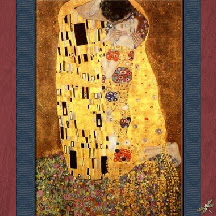
*Here is the painting I have been taking about. "The Kiss" by Gustav Klimt. Look on my side bar under How To Install a background... for instruction to install. Use the following HTML code:
Click Here for HTML Code
Side Bar Image Two:
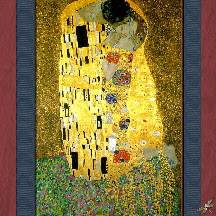
*I found many different colorations of this painting. So I decided to let you choose which one you like best. Here is the second coloration of the painting I have been taking about. "The Kiss" by Gustav Klimt. Look on my side bar under How To Install a background... for instruction to install. Use the following HTML code:
Click Here for HTML Code
Side Bar Image Three:
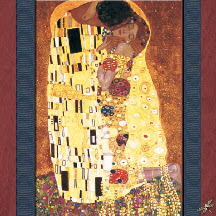
*Here is the third coloration of the painting I have been taking about. "The Kiss" by Gustav Klimt. Look on my side bar under How To Install a background... for instruction to install. Use the following HTML code:
Click Here for HTML Code
Side Bar Image Four:
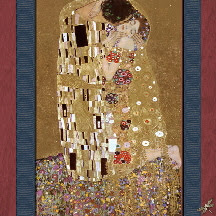
*Here is the fourth coloration of the painting I have been taking about. "The Kiss" by Gustav Klimt. Look on my side bar under How To Install a background... for instruction to install. Use the following HTML code:
Click Here for HTML Code
Bottom Title Image:
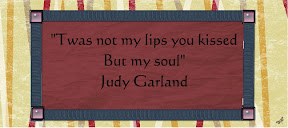
*Use this quote to explain the painting. Look on my side bar under How To Install a background... for instruction to install. Use the following HTML code:
Click Here for HTML Code


 1. Sign in to Blogger (with the account you want to change.) This will take you to your Dashboard.


No comments:
Post a Comment